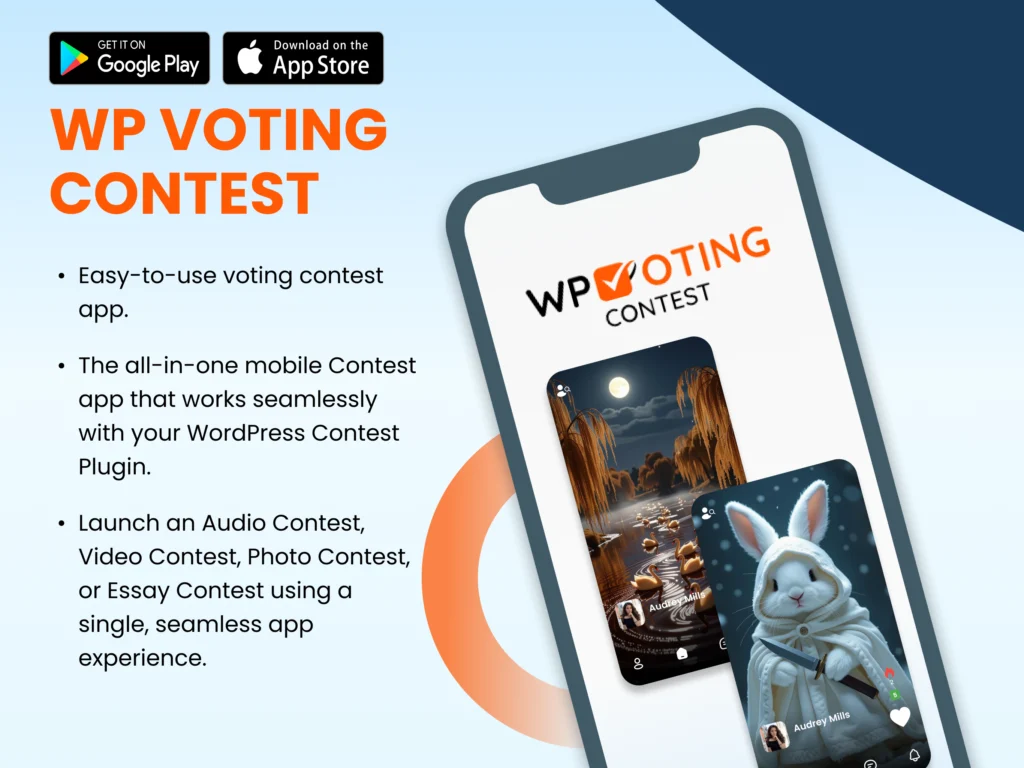

The WP Voting Contest App makes it easier than ever to manage and participate in your WordPress contests in a no custom app development, no technical setup, and no Play Store or App Store publishing headaches.
Follow these simple steps to get started and make your contests mobile-ready instantly.
To access the app, you’ll first need to purchase the WP Voting Contest Pro Bundle from our official website:
👉 Buy the WP Voting Contest Pro Bundle
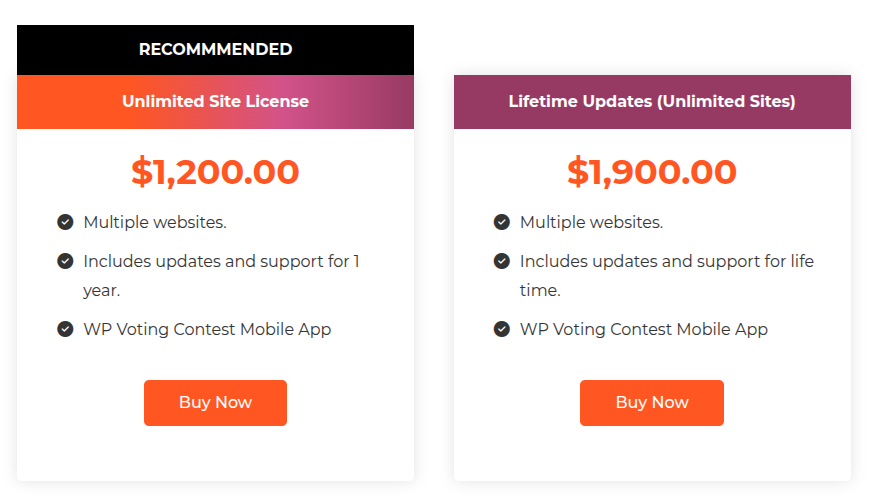
When purchasing, choose one of these licenses to unlock app access:
Unlimited Site License
Lifetime Updates (Unlimited Sites)
These plans include full access to the WP Voting Contest App, allowing you to connect and manage multiple WordPress contest sites.
Once your purchase is complete, log in to your WordPress Admin Dashboard and follow these steps:
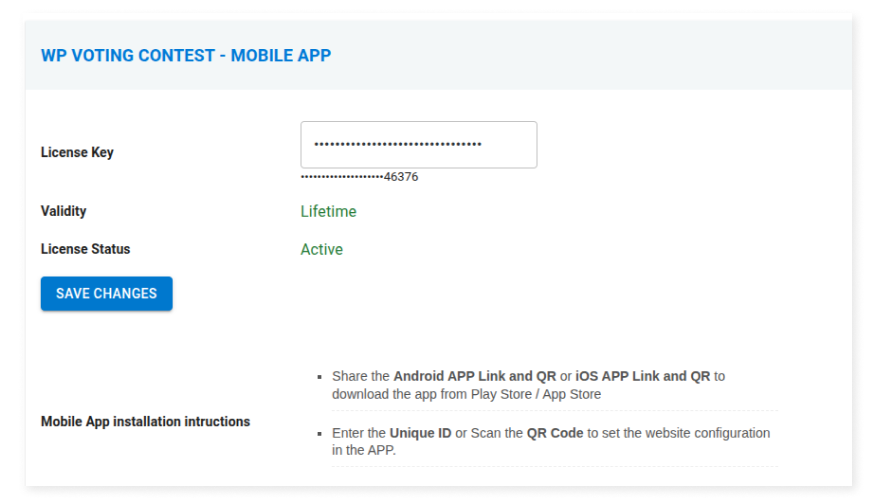
Go to Contest → License.
Enter your License Key from your purchase confirmation email or WP Voting Contest account.
Once activated, your site will generate a unique Site ID and a QR Code.
This Site ID and QR Code are what connect your WordPress contest site to the mobile app.
Download the official app from the Google Play Store:
👉 Download the App on Google Play
Once installed, open the app on your mobile device.
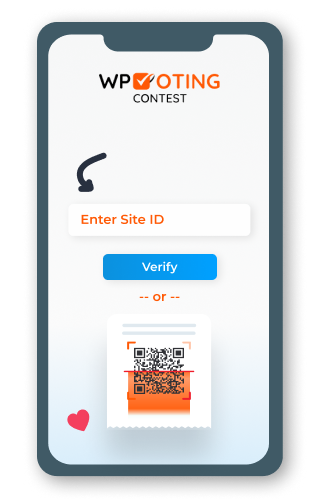
When you first open the app, you’ll be prompted to connect your WordPress site.
You can connect using either of the following options:
Option 1: Enter your Site ID manually.
Option 2: Scan the QR Code shown on your License page in WordPress.
Once connected, the app will automatically sync and display your contests and contestants.